Describe the form you need in chat and Rocket generates the embed code, webhook listeners, and response storage automatically. Tally is free with unlimited forms and responses.
This connector is only available for Next.js TypeScript web build tasks.

What you can do

Contact forms

Simple contact form with name, email, and message fields, routed to your inbox or stored in a database.

Feedback widgets

Collect user feedback, feature requests, or satisfaction ratings with a quick inline form.

Waitlist signups

Pre-launch waitlist that collects emails and optionally tracks referral sources.

Registration forms

Event registrations, course enrollments, or membership applications with multi-field forms.

Before you connect

You need a Tally API key.
  1. Log in to Tally and go to Settings > API Keys.
  2. Click Create API Key, add a name, and confirm.
  3. Copy the key - you will paste it into Rocket during setup.

Open Tally’s API documentation
Never paste your API key directly into chat. Always use the secure connector popup. If your key is exposed, revoke it from Tally Settings and create a new one.
Tally is a task-level connector. Each Rocket task connects to its own API key independently.

Connect Tally

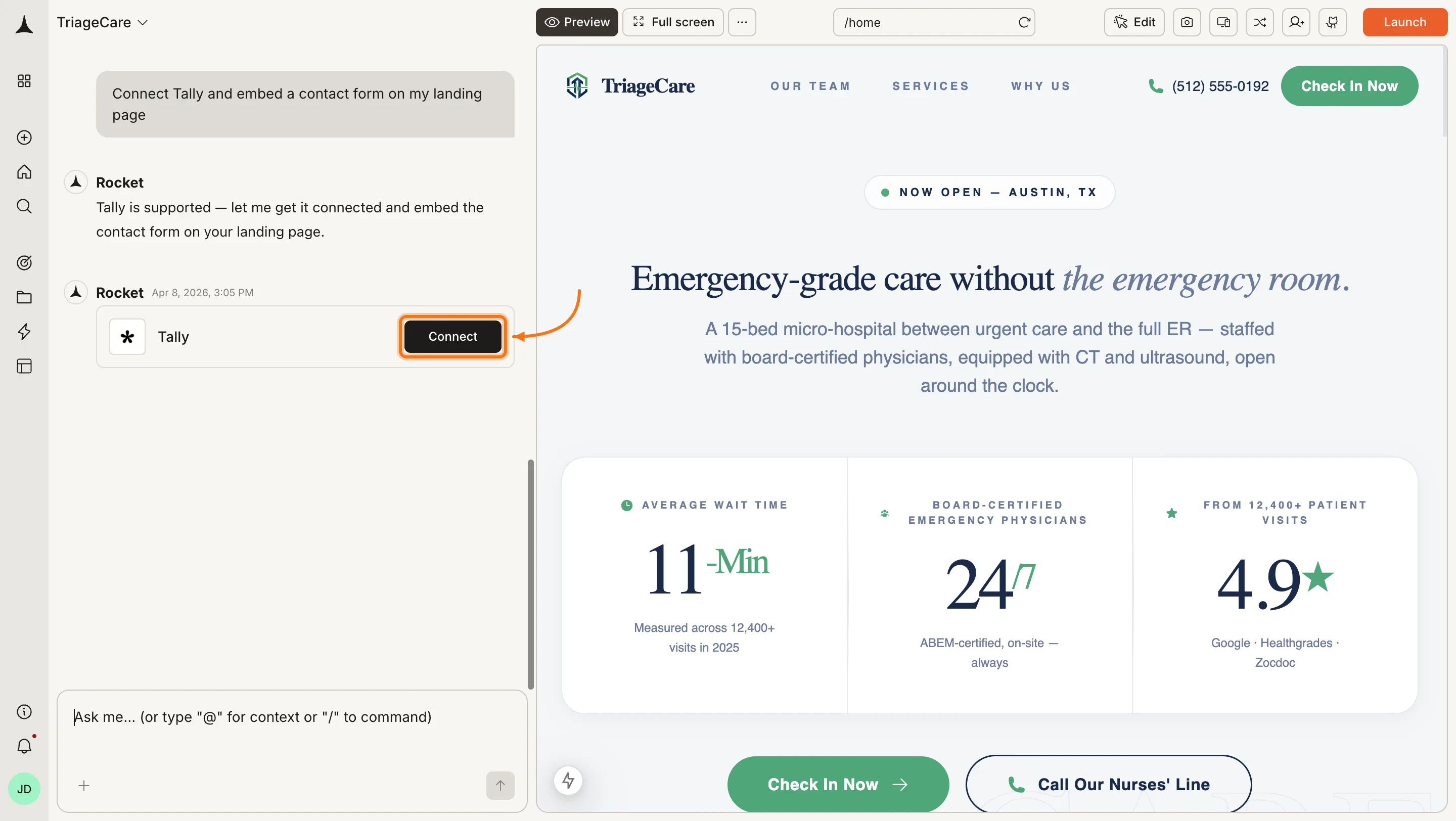
You can connect from two places - both open the same popup.Option 1: From chatType a prompt that mentions Tally - for example, Connect Tally and embed a contact form on my landing page. Rocket detects the intent and shows a Connect button inline. Click it and the popup opens.Option 2: From the Connectors tabClick the ... button in the preview toolbar, then select Connectors.
Toolbar dropdown with Connectors option highlighted.Toolbar dropdown with Connectors option highlighted.
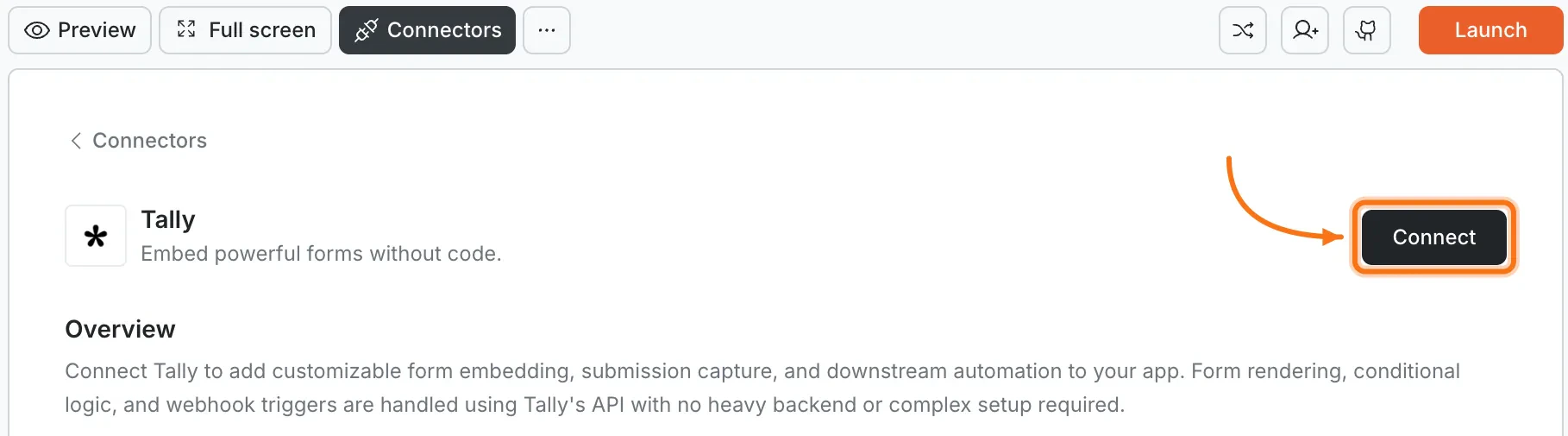
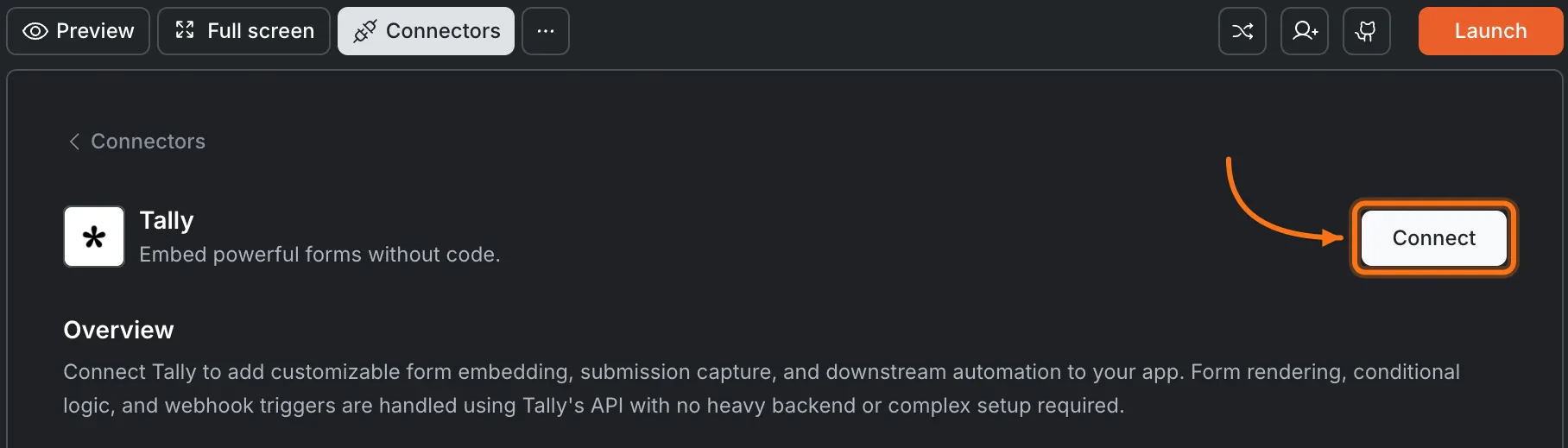
Click the Tally card, then click Connect.
Connectors panel showing the Tally card with a Connect button.Connectors panel showing the Tally card with a Connect button.
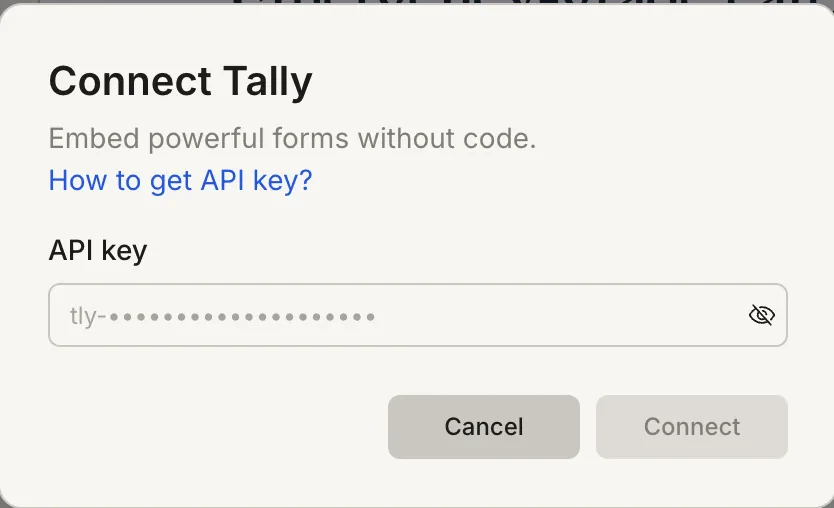
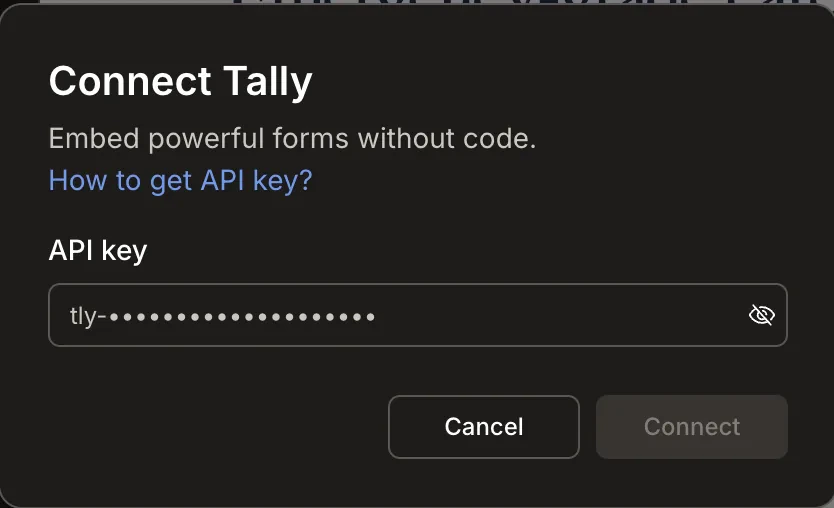
After clicking ConnectA popup opens. Paste your API key and click Connect.
Connect Tally popup with an API key input field.Connect Tally popup with an API key input field.
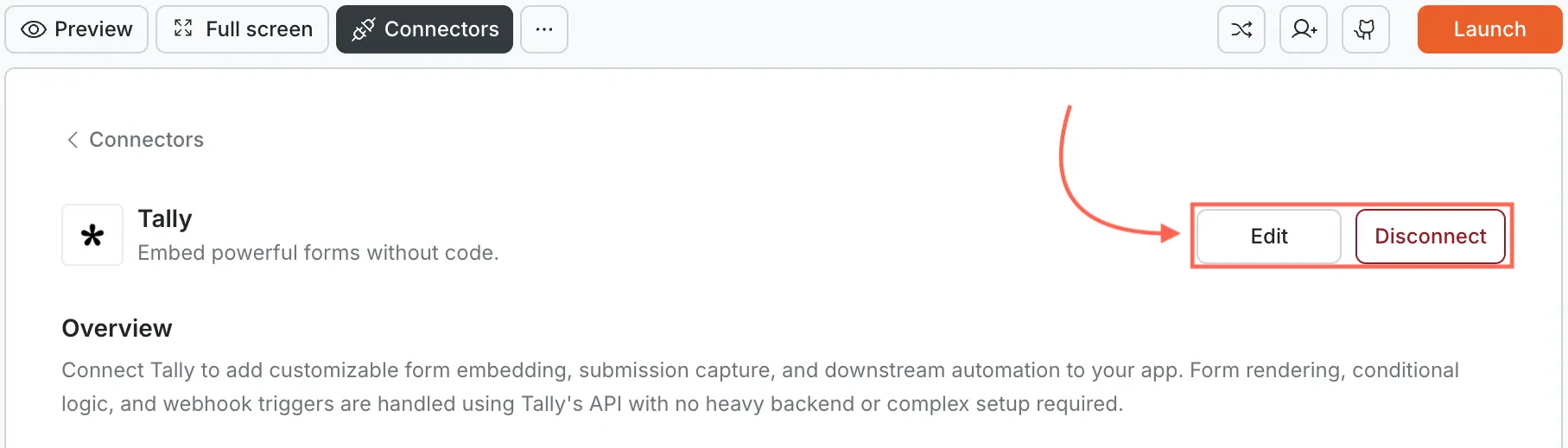
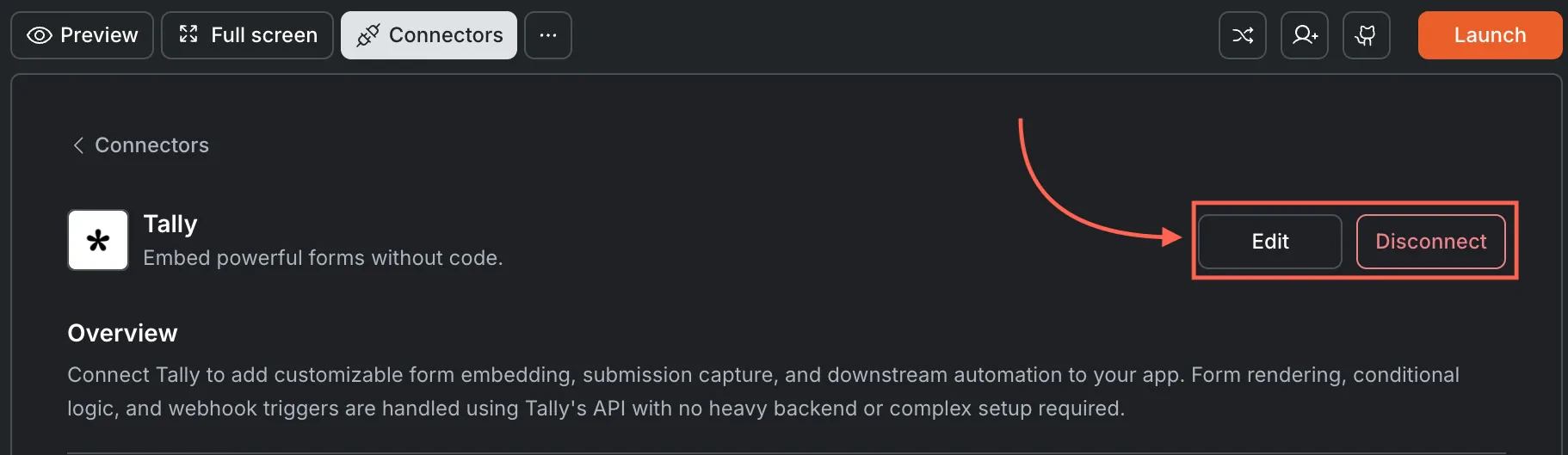
A green dot appears next to Tally when the connection is active.Update or disconnectOpen Connectors and click the Tally card. Click Edit to update the key or Disconnect to remove it from this task.

Tally card showing Edit and Disconnect buttons.Tally card showing Edit and Disconnect buttons.

Example prompts

What you wantPrompt to use
Contact formEmbed a Tally contact form on my /contact page with name, email, and message fields.
Feedback widgetAdd an in-app Tally feedback form that asks for a rating and comment.
WaitlistCreate a pre-launch waitlist page with a Tally form that collects email addresses.
RegistrationBuild a Tally event registration form with name, email, and ticket type.
Newsletter signupAdd a Tally email signup form in the footer of every page.
Bug reportCreate a Tally bug report form with title, description, steps to reproduce, and screenshot upload.
Job applicationEmbed a Tally job application form with name, email, resume upload, and cover letter.
PollAdd a quick Tally poll to the homepage asking users which feature they want next.
RSVPBuild a Tally RSVP form for my event with name, email, and plus-one count.
Beta accessCreate a Tally form for beta access requests with email, use case, and company name.

Tips

  • Unlimited forms and responses on the free plan. Tally’s free tier is ideal for side projects and MVPs.
  • Responses live in Tally. Submissions are stored in your Tally dashboard. Use webhooks to sync data to Supabase or another database.
  • Embedding options. Rocket can embed Tally as an inline form, popup, or full-page experience. Describe the style you want in chat.
  • File uploads supported. Tally forms can accept file uploads. Uploaded files are stored in Tally’s infrastructure.
  • One API key per task. Each Rocket task connects to one Tally API key independently.

What’s next?

Typeform

A conversational form builder with branching logic and advanced design options.

Supabase

Store Tally form submissions in a database for querying and display in your app.

Resend

Send confirmation emails automatically when someone submits a Tally form.

Google Analytics

Track form views and submission rates with GA4 events.